Install ESXi vmware-tools on Linux
Visit vCenter web page choose the VM, click Install VMware-tools and MOUNT.

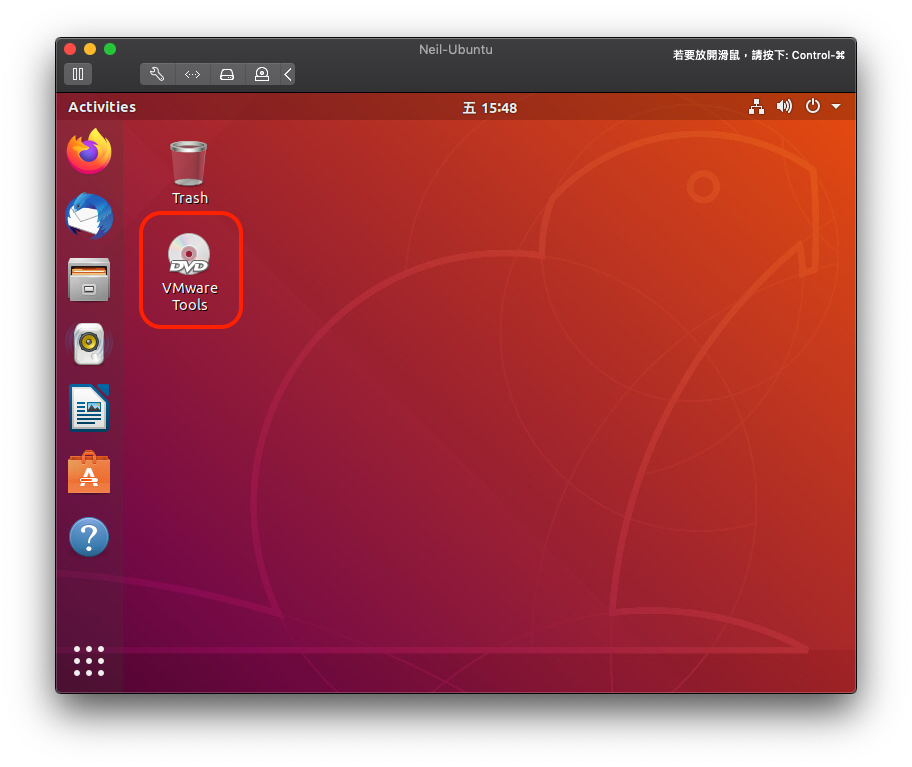
Back to VM double click VMware Tools on desktop
And double click VMwareTools-<version>.tar.gz
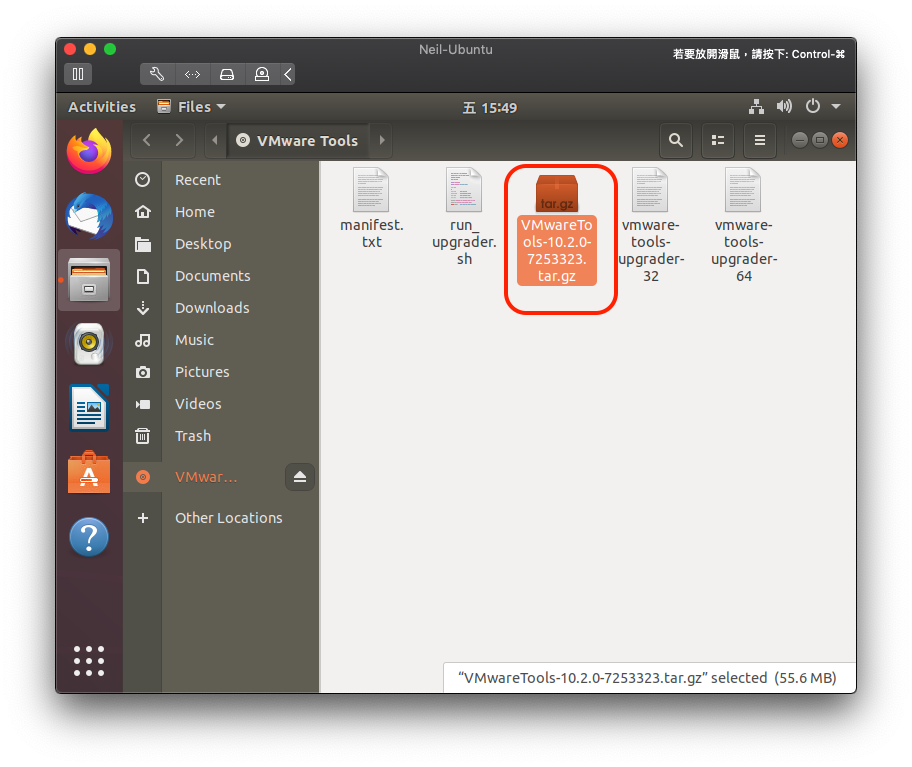
Extract it on ~/Desktop

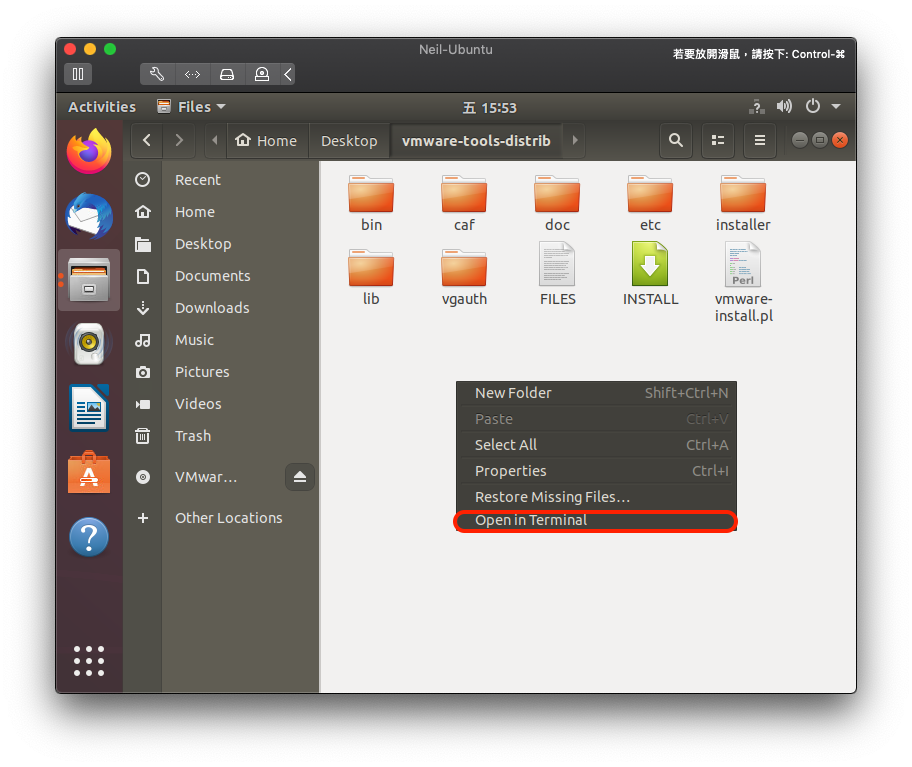
In the dir right click and choose Open in Terminal
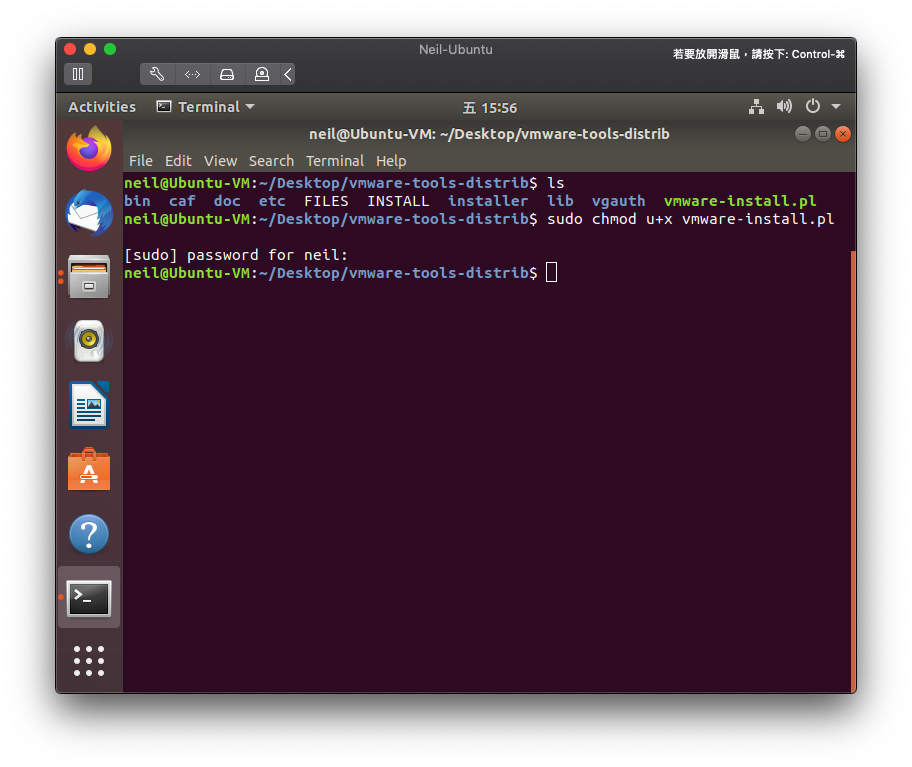
Change file permission to install it
| |
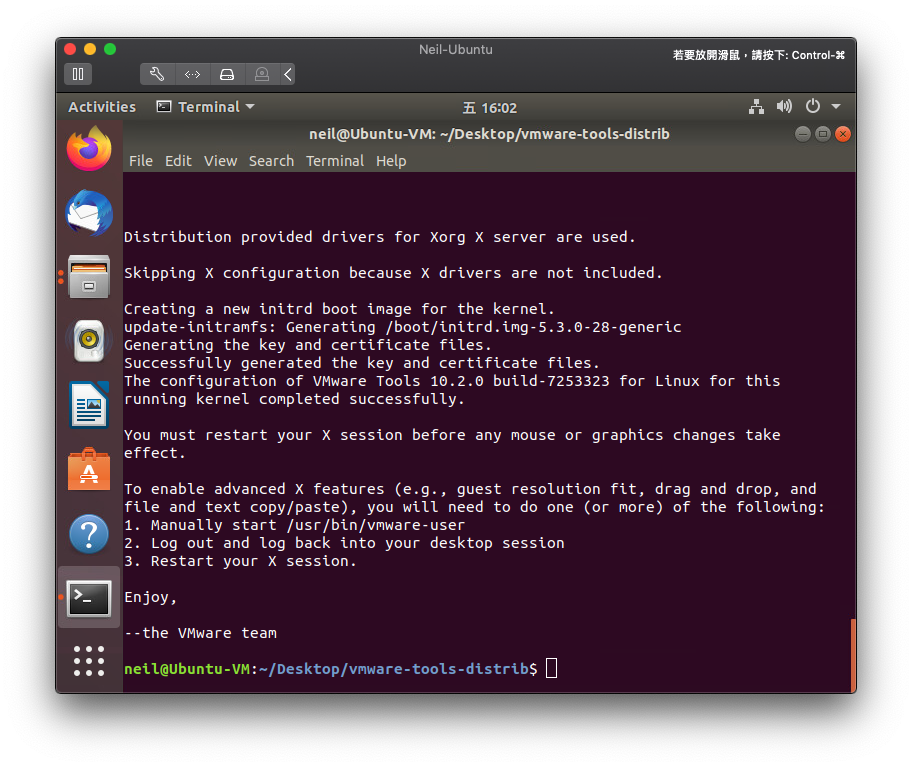
Install it
| |
Just type yes and press Enter to the end of installation, enjoy